Add a few things.
Type an item, scan a barcode, or scan a receipt and review the details. Begin where it’s easiest.
Scan a receipt, check what needs using and share one shopping list. Start with just a few essentials.
Free plan · 3 receipt scans a month · Sharing for up to 6 people · In 5 languages
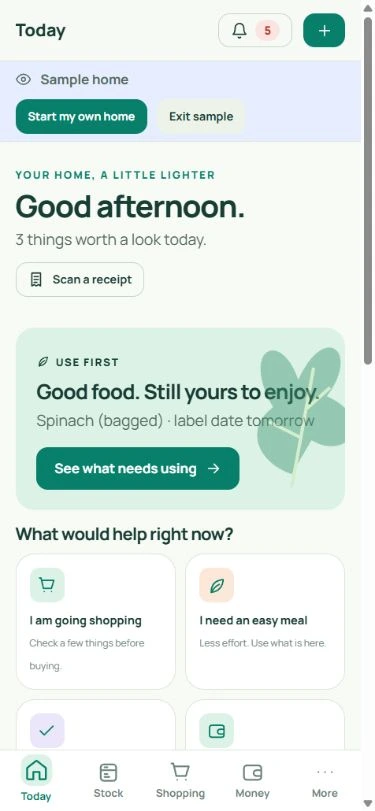
Actual PennyKept screen · fictional sample data
Paper in. Useful details out.
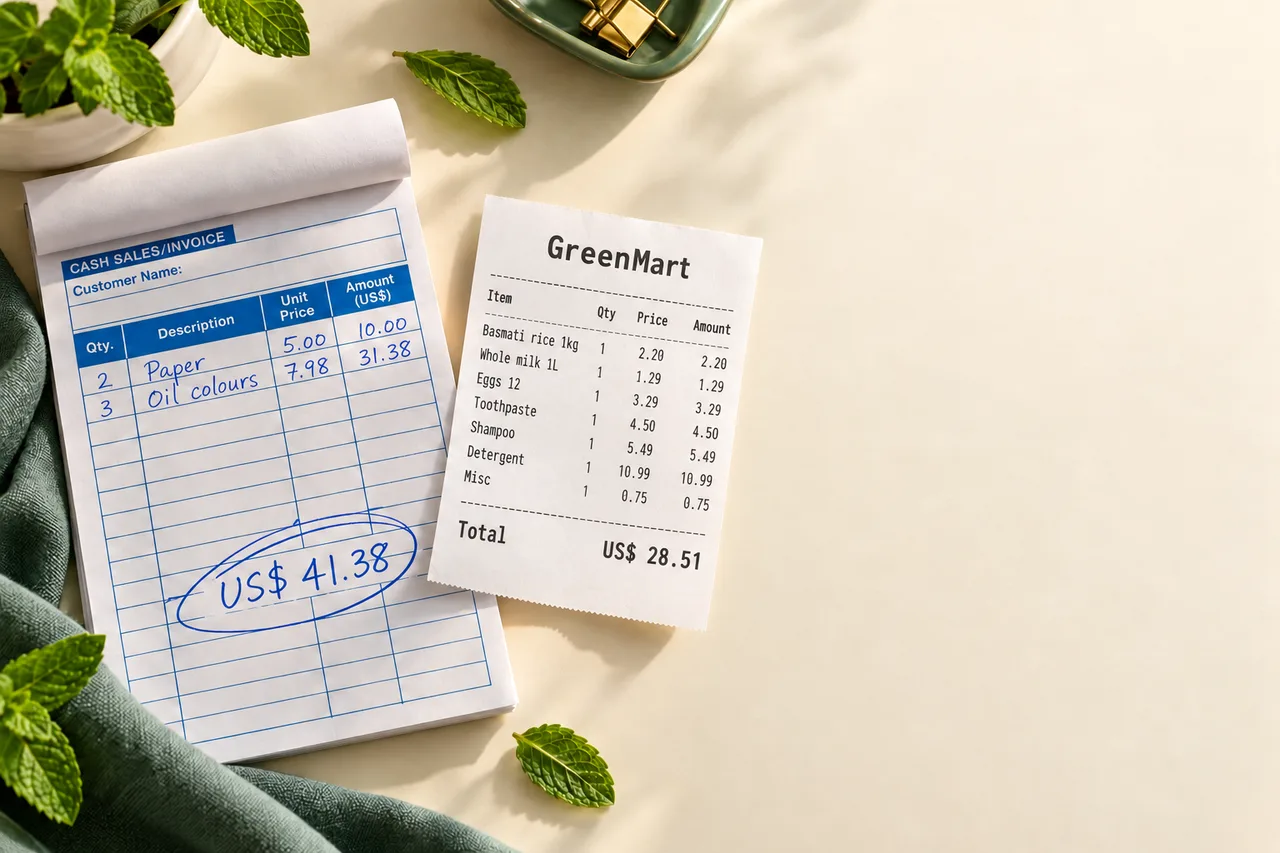
Photograph a receipt to extract purchase items, or scan a handwritten shopping note into a draft list. Check names, quantities and prices before confirming. Unclear handwriting may need correction.
Try the sample homeFrom receipt to stock
The part that saves the typing. Nothing is saved until you confirm the lines.
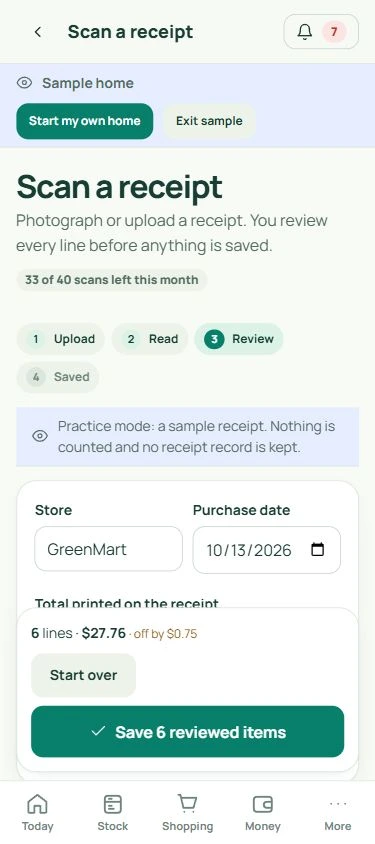
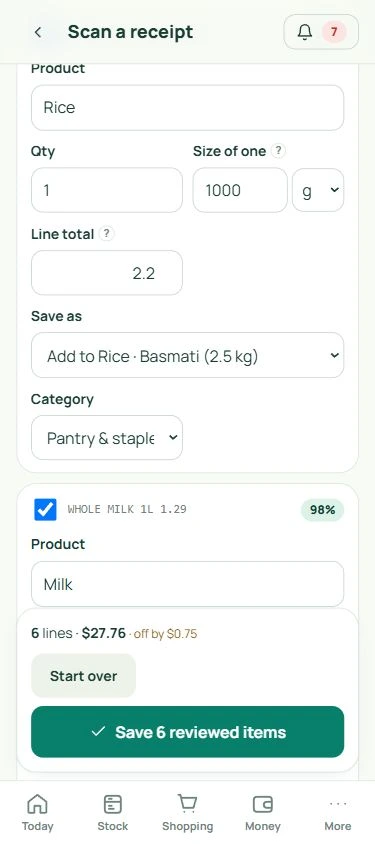
Every line is read and gets a confidence score; low ones are flagged for a look.
Fix a name, a size or a price. The kept lines are checked against the printed total, so a missed line shows up.
Each line becomes a product you track or a pack added to one. Printed discounts become documented savings with the receipt as evidence.
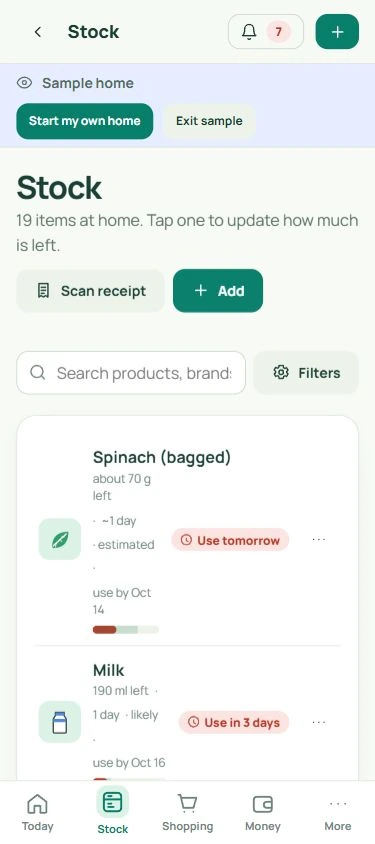
Actual PennyKept screens · fictional sample data · the practice receipt is built into the sample home
The little things add up
It’s money spent, another trip to the shop, and one more thing on your mind. A clearer picture of home is a good place to start.
The estimated cost of edible food wasted by an average UK household of four.
WRAP · UK household data, 2022 Context, not a claim about what PennyKept will save you.Sound familiar?
Three everyday moments PennyKept was built for. Each one has a next step you can take today.
Meet your household memory
From the kitchen cupboard to the bathroom shelf. Keep everyday purchases, shopping and money follow-ups connected.
Keep your everyday items in one place. Check stock before a shop, see what needs using, and update items when they’re finished.
Try the sample homeActual PennyKept screens · fictional sample data · click the tabs to explore
A small start is a good start
Start with your next shop. Or just the five things you always forget.
Type an item, scan a barcode, or scan a receipt and review the details. Begin where it’s easiest.
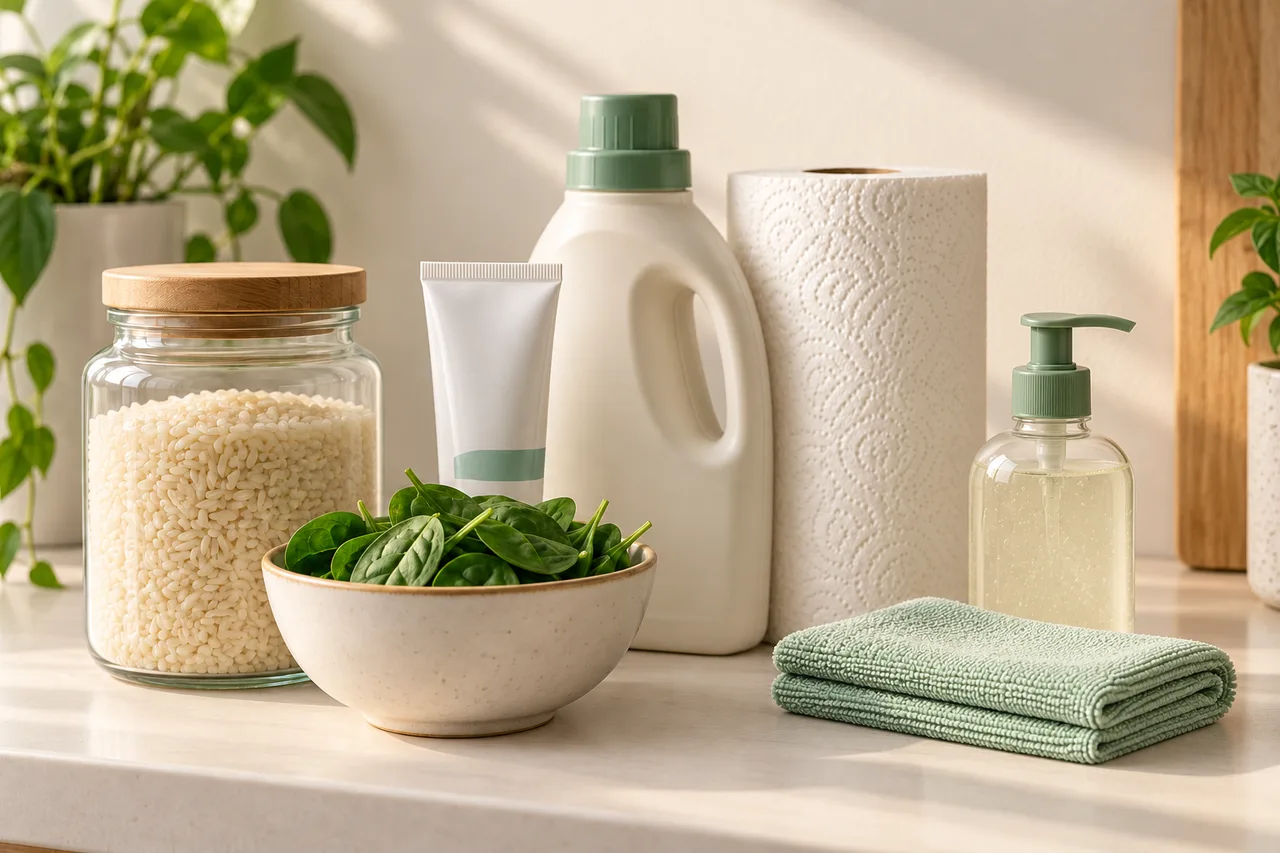
Check stock and use-first dates before you shop. Keep bathroom, cleaning and pantry essentials together.
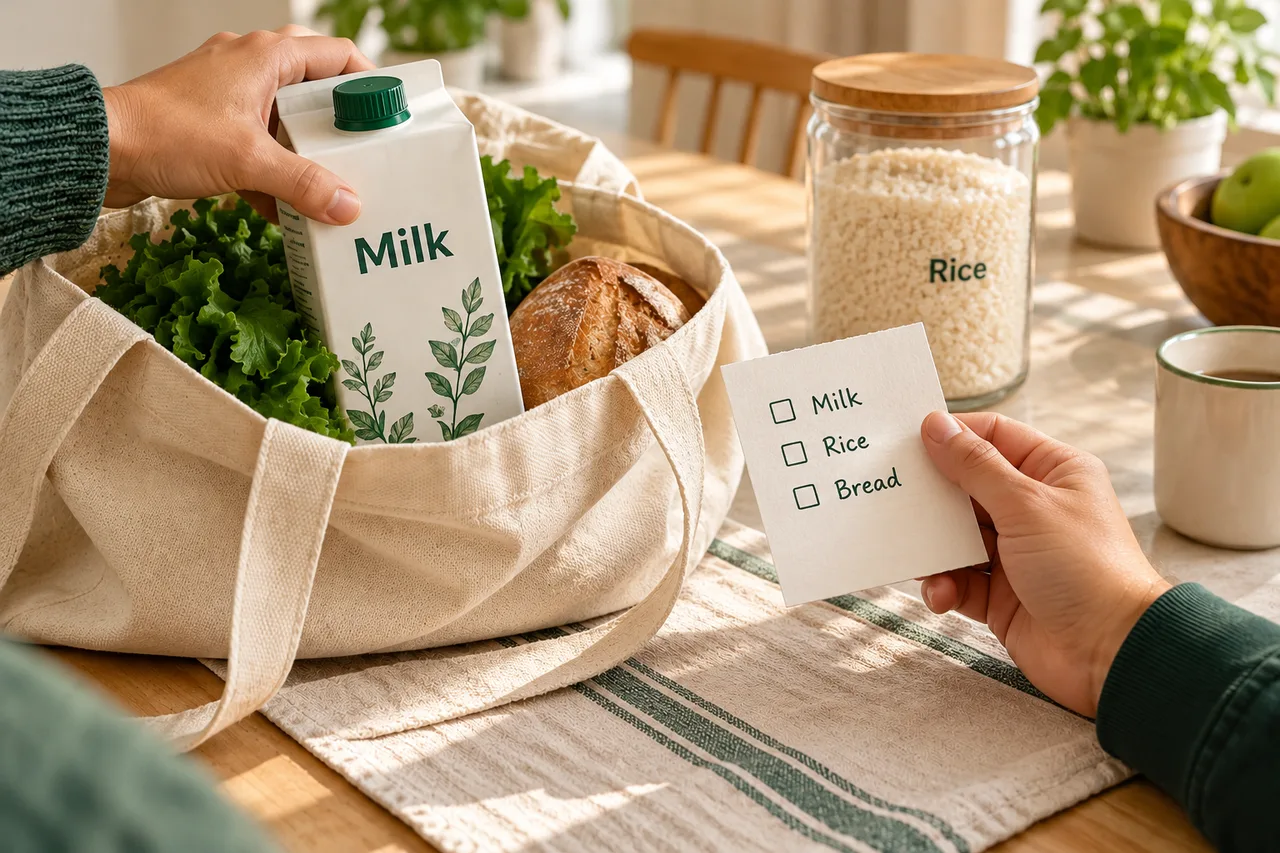
Claim what you’re getting, check off what you bought and keep your household in the loop.
Supporting photos are AI-created. Every software screen is a genuine PennyKept capture. Explore the sample home to see the same icons and controls.
Make the numbers yours
Try a simple what-if. Set the value of food you think you throw away each week, then choose how much you’d like to reduce it.
An illustration based on your inputs, not a prediction or guarantee. It excludes any app subscription cost and assumes the reduction lasts all year.
See what PennyKept doesThere’s a whole home beyond the fridge
Keep track of the little essentials that are easy to forget, until you need them.
Take a look aroundUseful beats unbelievable
Keep your shopping list and home inventory together, so remembering doesn’t have to fall to one person.
Stock forecasts aren’t product-label dates. Possible savings aren’t money already back in your pocket.
Explore a fictional sample home first. Choose the parts that help your household, and build from there.
English, Svenska, Français, Deutsch and Español, in the app, in emails and in notifications. Receipt and note extraction supports multiple languages; unclear text may need correction.
Room to start small
Sharing is included from day one. Choose more capacity when your household needs it.
30 active items · 6 people · 3 receipt scans/month
Start free →300 active items · 40 scans/month · usage forecasts and exports
Compare plans →Unlimited items, subject to fair use · 10 people · 150 scans/month
See household limits →USD. Applicable taxes at checkout. Paid plans renew until cancelled; annual options on the pricing page. Questions? Contact PennyKept or read refund terms.
No. Start with a few everyday items, your next receipt, or the products you often forget. You can build your list as you go.
Yes. The sample home lets you explore fictional products and household data before creating your own home. Open the sample home.
Yes. PennyKept offers a free plan, with paid plans for higher limits and additional tools. Check the current pricing page for scan allowances, household limits, currency and applicable taxes. See current plans.
No. You still need to confirm purchases and update usage. Available forecasts are estimates based on recorded information, so keeping your list reasonably current helps.
No. Outcomes depend on your household and the actions you take. The calculator on this page is a what-if illustration, and the WRAP statistic describes UK household waste, not results achieved by PennyKept users.
Yes. They are captures of the current app showing a fictional sample household, and the sample home is one tap away. Product details show your recorded purchase price history and available store comparisons. These are your own dated records, not live store quotes. Warranty records are a proposed future feature. The scanning illustration is AI-created and labelled separately.
At home. In the aisle. On your screen.
Use PennyKept in your browser or add it to your device.
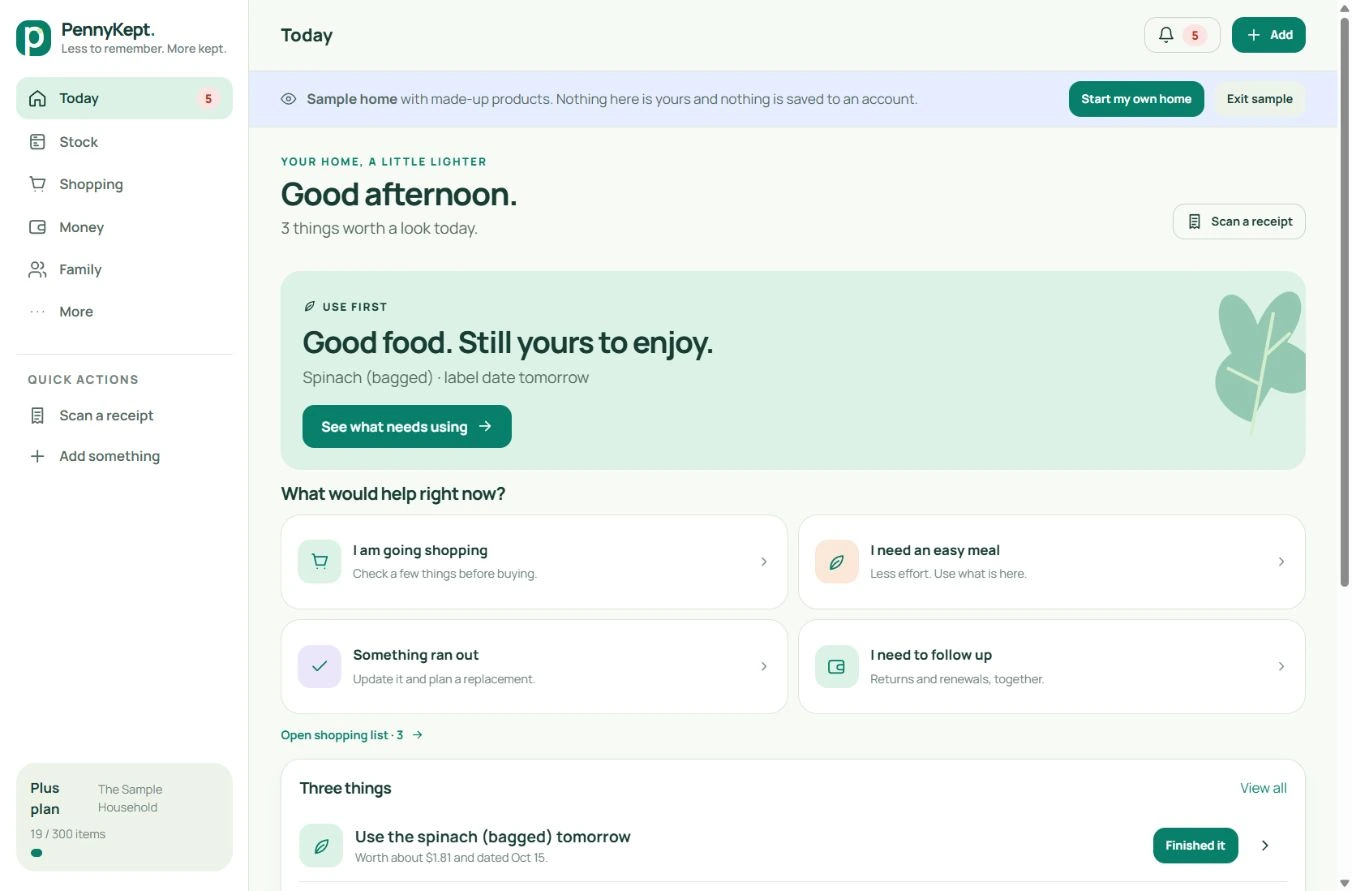
EXPLORE WHAT IS NEW
See the new basket planning, leftovers, quick capture and helper checklist workflows, with real desktop and mobile screenshots and clear rollout notes.
See the new tools in action ↗A little less to remember. A little more kept.
Free plan available. No card to get started.