GET PENNYKEPT

Your home,
a tap away.

In the kitchen. At the shop. On your laptop. Open PennyKept in your browser, or give it a spot on your home screen.

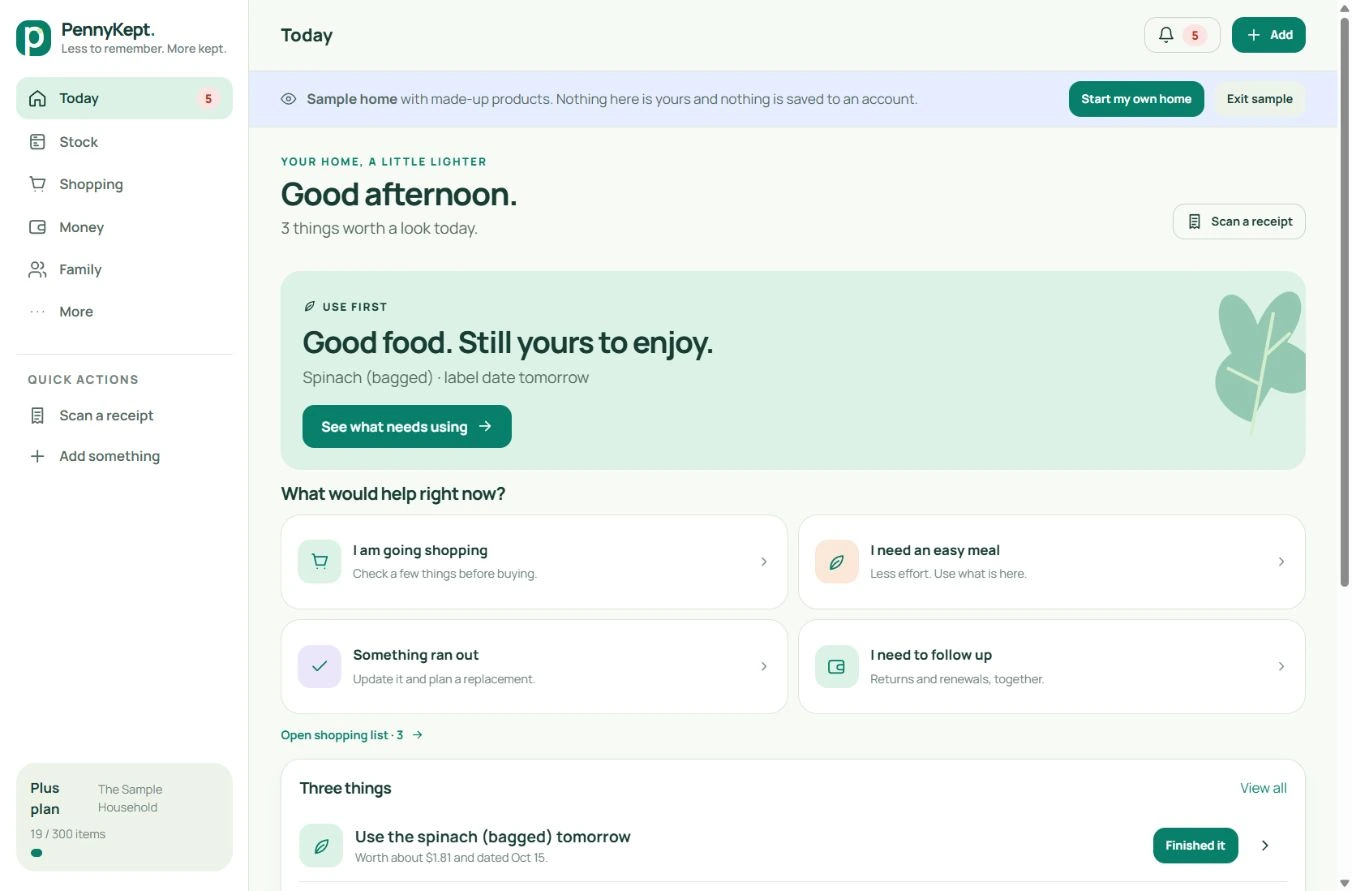
Actual PennyKept desktop Today screen
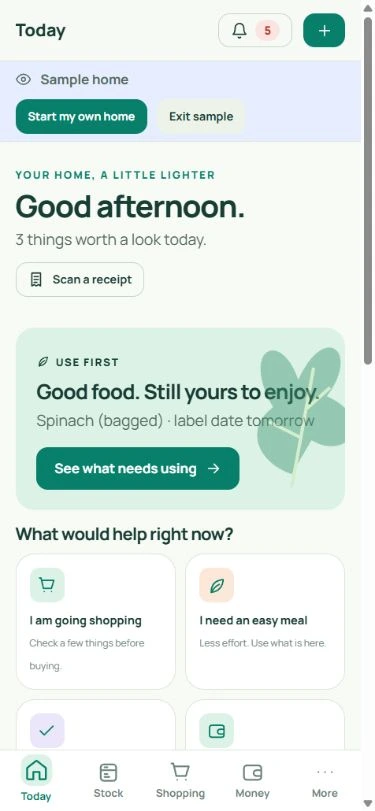
Actual PennyKept mobile Today screen
Real desktop and mobile app captures · fictional sample household.
AndroidiPhone & iPadDesktop

ANDROID

A place on your home screen.

Open the app in Chrome. Use the browser menu and choose Install app or Add to Home screen, then follow the prompt. Wording varies by browser version.

Direct Android download · 0.96 MB · existing PennyKept package. Your device may request permission to install it.

iPHONE & iPAD

Safari. Share. Home screen.

  1. Open the PennyKept app in Safari.
  2. Tap Share, then Add to Home Screen.
  3. Enable Open as Web App if shown, then tap Add.

This installs the web app. No App Store listing is required.

DESKTOP

A little home on your desktop.

Open PennyKept in Chrome or Edge. Look for the install option in the address bar or browser menu. You can also keep using the browser tab—installation is optional.

Available install options depend on your browser and operating system.

Your household comes with you.

Use the same account when signing in on another device. Need help? Get in touch.

A little less to remember

Make room for a lighter day.

Start with a few things. Keep what helps.

Start your free homeExplore a sample home