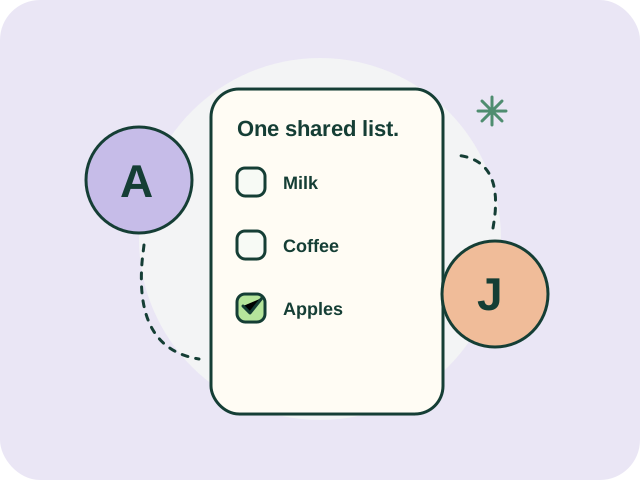
A shared grocery list works best when it answers three questions: what do we need, who is picking it up, and has it actually been bought? Checking those separately can help a household avoid the familiar situation where two people bring home the same item.
Check home before adding another purchase
Before the trip, look at the cupboard, fridge or household stock record. If a quantity is uncertain, mark it for checking. “Possibly low” and “definitely needed” are different instructions for the person in the shop.
Start with a small pantry inventory if you repeatedly buy things that are already at home. Include toiletries and cleaning supplies when those cause the same problem.
Write enough detail for another person
“Coffee” may leave too much to guess. Add the relevant format, quantity or acceptable substitute. Include only details that matter to the household. An unnecessarily rigid list can make a routine trip harder.
| Unclear entry | More useful entry |
|---|---|
| Coffee | One bag of ground coffee; check cupboard first |
| Detergent | Laundry detergent; compare cost per labelled wash |
| Pasta | One pack; any shape we normally use |
These are examples of clearer instructions, not product recommendations.
Agree who is buying before checkout
When two people are shopping, assign responsibility for an item or a trip. A message saying “I’ll get the coffee” should be reflected in the shared list so it is visible to whoever checks next.
PennyKept combines a shared shopping list with household inventory. Its features page shows current screens and explains household coordination. Try the sample home to understand the interface; a sample is not a test of live sharing between two devices.
Close the loop after the trip
Mark what was bought, note substitutions, and leave unavailable items on the list. Review a receipt before using it to update stock. If an item was purchased elsewhere or removed from the plan, resolve that explicitly rather than leaving an ambiguous tick.
Before relying on another person’s changes, confirm the app has finished syncing. A shared system still depends on a current record and a working connection for changes to reach other devices.
Common questions
Is a shared list enough without inventory?
It can be. Inventory becomes useful when people repeatedly ask whether something is already at home. You do not need a complete catalogue to get started.
Does a shared list split the grocery bill?
Sharing purchasing instructions and allocating costs are separate features. Do not assume a shopping-list app supports unequal bill splitting. Check its current feature list before choosing it for that purpose.
Can we use different phones?
PennyKept has a browser-based app. See the installation guide for Android, iPhone and desktop options, and current plans for household limits. Regional account availability should be checked before relying on a new account.